How to send a case invite to a friend of a friend?
Learn how to send case invitations to friends-of-friends from posts or profiles.
Last updated Sep 19, 2025Approx. 1 min read
On this page
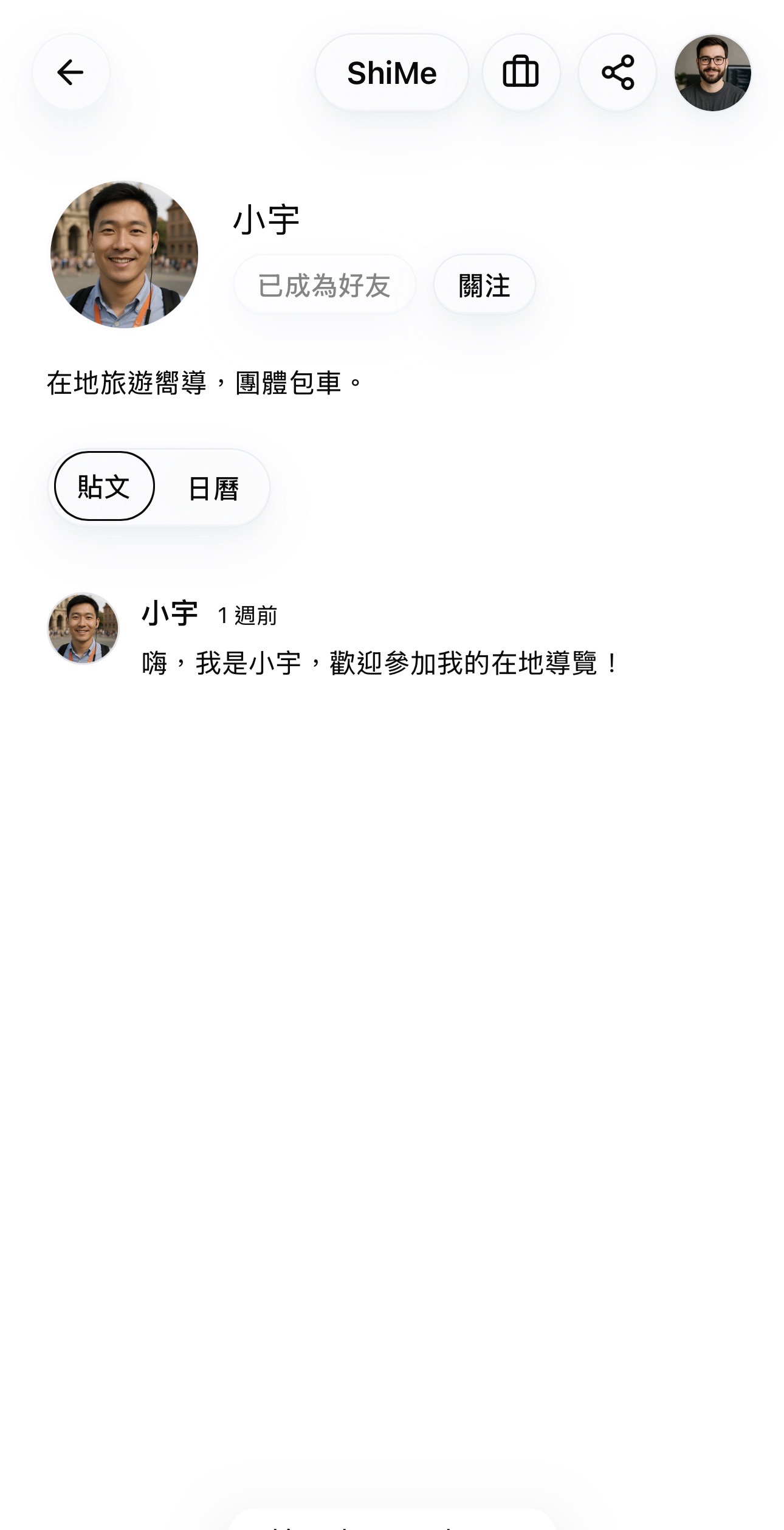
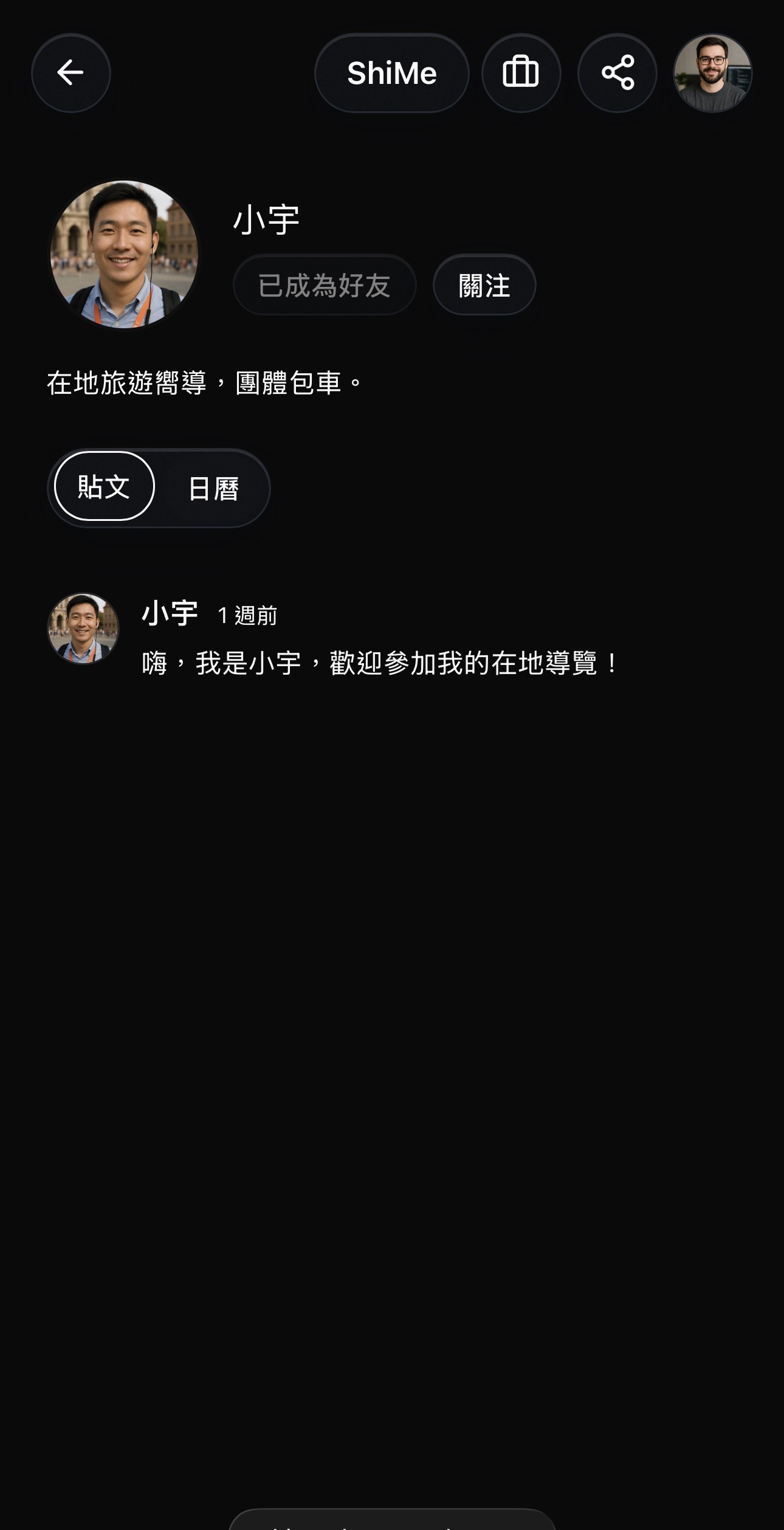
Step 1: Find the case invite icon on a friend-of-friend
- From your home feed or the All posts view, open a post created by a friend-of-a-friend, or go directly to their profile.
- In the top-right corner of the post or profile, look for the case invite icon.
- The person must have at least five friends on ShiMe to receive case invites. If they do not meet this requirement, the icon will not appear.
Step 2: Choose an invite item from mutual friends
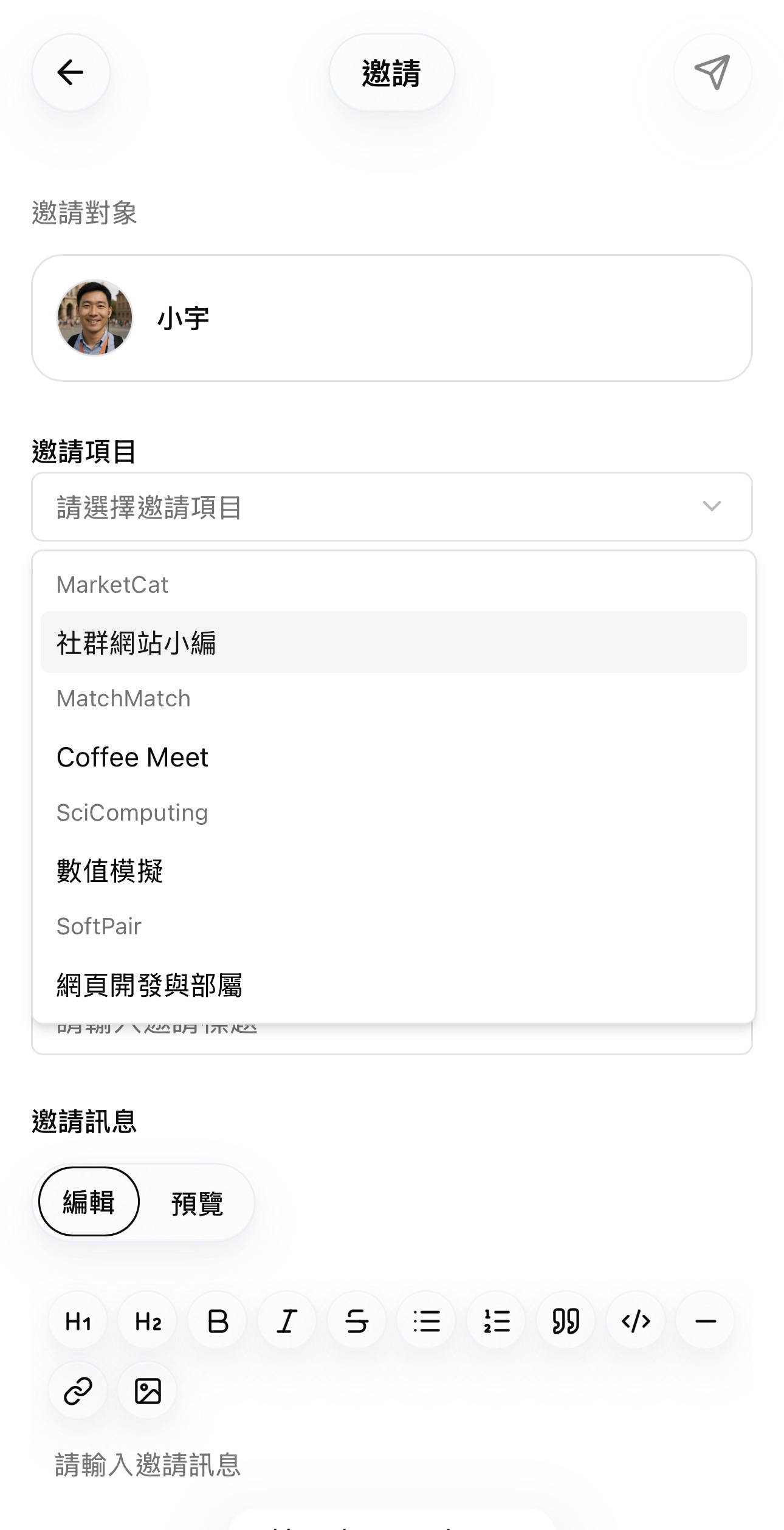
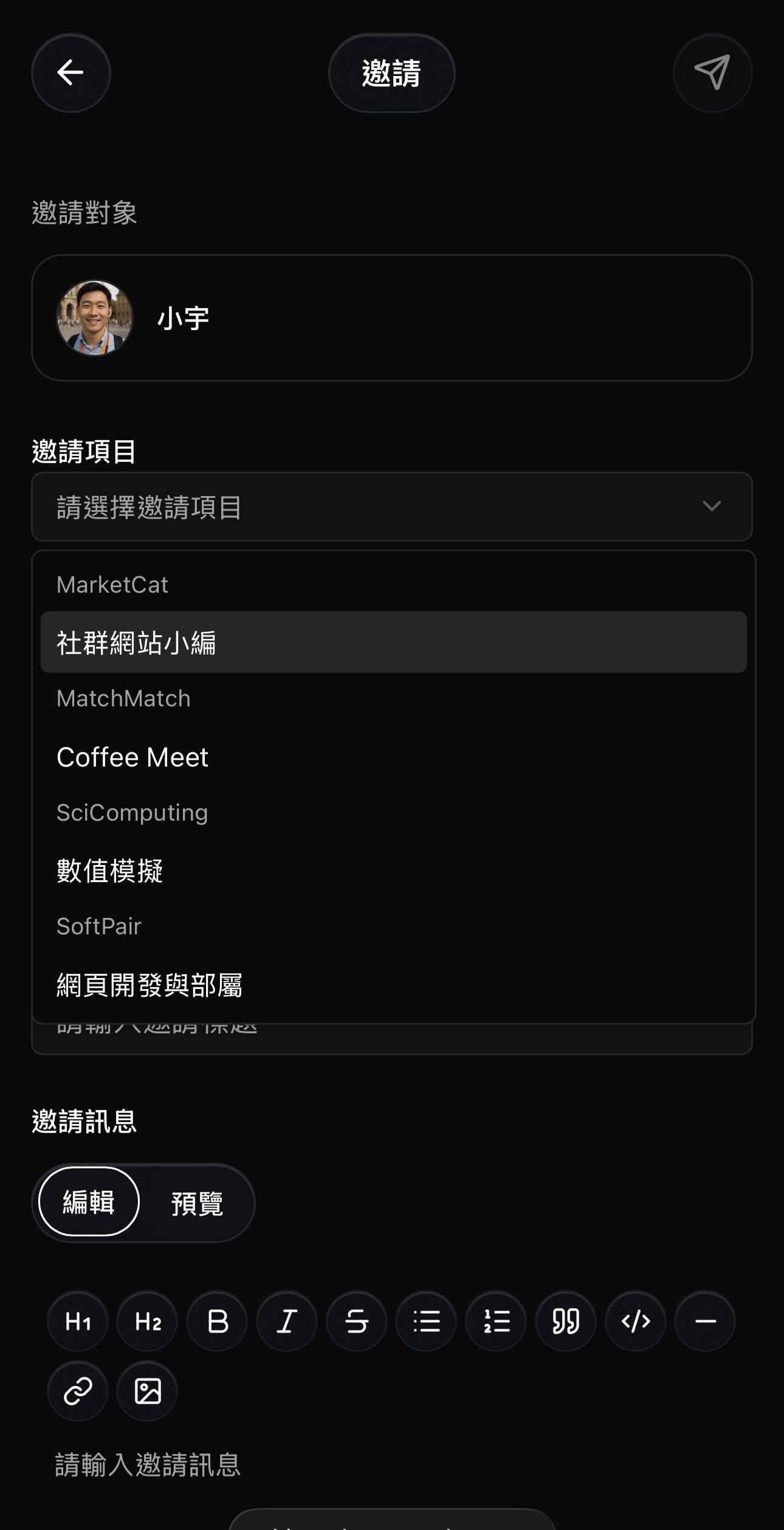
- After clicking the icon, a case invite dialog opens.
- In the Invite item field, ShiMe only shows items that come from your mutual friends' case items with this person.
- Pick the item that best matches what you want to invite them to.
Step 3: Review details and send the invite
- Fill in any additional details required for the case, such as context, expectations, or desired response time.
- Double-check the invite item and your message.
- Click the Send button in the top-right corner of the dialog to send the case invite.

